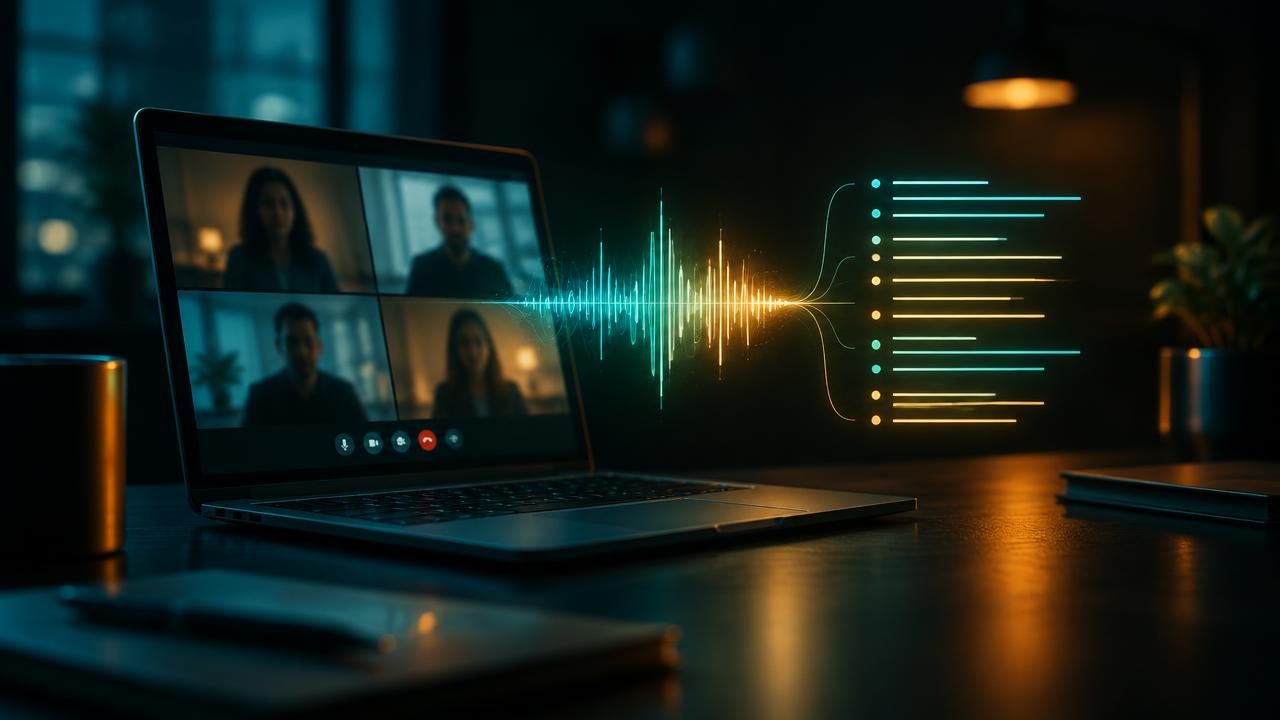
How AI note-takers work
Behind the simple “summary in your inbox” are four steps:
- Capture: a bot joins the call as a participant, the video platform records natively, or a desktop app captures audio from your computer without a visible bot.
- Transcription: speech recognition converts audio to text.
- Speaker identification: the system separates voices (“diarisation”) and matches them to participant names.
- Summarising: a large language model reads the transcript and produces a summary, decisions, action items and sometimes follow-up email drafts. (Here’s how those models work.)
Each step can introduce errors, which is why a summary can sound polished and still attribute a decision to the wrong person.
Built-in vs. standalone note-takers
| Built into your video platform | Standalone tool | |
|---|---|---|
| Examples | Zoom AI Companion, Google Meet with Gemini, Microsoft Teams with Copilot | Otter.ai, Fireflies.ai, Fathom, tl;dv, Granola |
| Works across platforms | Usually only its own | Yes — Zoom, Meet, Teams and often others |
| Extra cost | Often included in business plans or an add-on | Free tiers with limits; paid plans for more |
| Admin & security | Managed with your existing workspace | Another vendor to review and approve |
| Extras | Tight calendar and document integration | Searchable meeting library, CRM integrations, analytics |
Rule of thumb: if your team lives on one platform and already pays for its AI add-on, start there. If you meet clients on whatever platform they choose, a standalone tool is usually more practical.
The 10-point checklist before you choose
- Accuracy on your real meetings. Test with your accents, crosstalk and industry jargon — not a quiet demo call.
- Languages. Does it handle every language your meetings use, including switching mid-call?
- Bot or botless. A visible bot is transparent but can feel intrusive to clients; botless recording puts the burden of disclosure on you.
- Participant notification. Does it announce itself or show a clear recording indicator to everyone?
- Data storage location. Where are recordings and transcripts kept, and can you choose a region?
- Training on your data. Is your content used to improve the vendor’s models? Can you opt out?
- Retention and deletion. Can you set automatic deletion and remove individual recordings completely?
- Access controls. Who in your organisation can see which meetings? Are shared links protected?
- Integrations. Calendar, CRM, project management, and where summaries get sent.
- Pricing model. Per user, per minute or per meeting — and what happens when you hit free-tier limits.
Consent and recording laws
Recording rules vary by country and, in the US, by state. Some US states, including California, require the consent of everyone on the call, and in the EU and UK recordings are personal data under data-protection law, so you need a lawful basis and must tell people. Calls that cross borders can fall under the stricter rules.
When not to use an AI note-taker
- Legal discussions where recording could affect confidentiality or privilege.
- HR, disciplinary or performance conversations.
- Medical or therapy sessions, unless the tool is specifically approved for health data in your country.
- Sensitive negotiations or any meeting where a participant declines.
Getting better notes out of any tool
- Use a decent microphone and ask people to mute when not speaking — audio quality drives accuracy.
- Say decisions out loud: “So we’ve agreed that Sara sends the draft by Friday.” Summaries pick up explicit statements far better than implied ones.
- Add a custom vocabulary of names, products and acronyms if the tool supports it.
- Review before sharing. Spend two minutes checking action items and names before the summary goes to clients.
Freelancers and small teams will find more time-saving ideas in our AI tools for freelancers starter kit.